Backup restore share1.0
Publisher Description
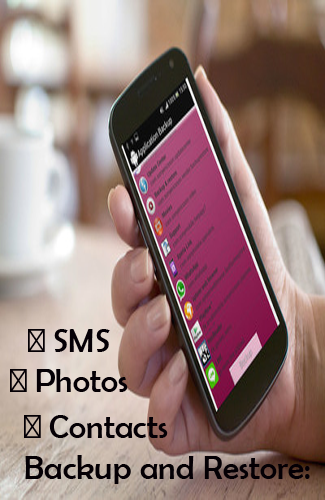
Backup restore share
Application can backup and Phone backup and restore share: Contacts, SMSes, MMSes, Call logs, System settings, Secure system settings, Wifi passwords, User dictionary, APNs, Calendar events, User applications, Bookmarks and browser history.It will work on all Android devices, regardless if they have root access or not. Root permission is only needed for application data.Backups are stored on SD card or in device memory.
Features:
+ Restore SMS, Call Logs, Bookmarks, Calendars from SD Card / Google Drive / Gmail / Drop Box & more..
+ Backup Apps to SD Card / Google Drive / Gmail / Drop Box & more.
+ Multiple Backup Location at a time.
+ Restore Backup Files from multiple resources.
+ Backup Contacts from your Android Device.
+ Restore Apps, Contacts from SD Card / Google Drive / Gmail / Drop Box & more.
+ Backup SMS, Call Logs, Bookmarks, Calendars.
+ Auto Backup.
+ Problem Support System.
+ User can change backup path.
+ Delete Backup data from SD Card & other sources.
About Backup restore share
The company that develops Backup restore share is Alex App Developer. The latest version released by its developer is 1.0.
To install Backup restore share on your Android device, just click the green Continue To App button above to start the installation process. The app is listed on our website since 2016-10-22 and was downloaded 18 times. We have already checked if the download link is safe, however for your own protection we recommend that you scan the downloaded app with your antivirus. Your antivirus may detect the Backup restore share as malware as malware if the download link to com.backup.restoretransfershare is broken.
How to install Backup restore share on your Android device:
- Click on the Continue To App button on our website. This will redirect you to Google Play.
- Once the Backup restore share is shown in the Google Play listing of your Android device, you can start its download and installation. Tap on the Install button located below the search bar and to the right of the app icon.
- A pop-up window with the permissions required by Backup restore share will be shown. Click on Accept to continue the process.
- Backup restore share will be downloaded onto your device, displaying a progress. Once the download completes, the installation will start and you'll get a notification after the installation is finished.
